
Add parts to a saved creation
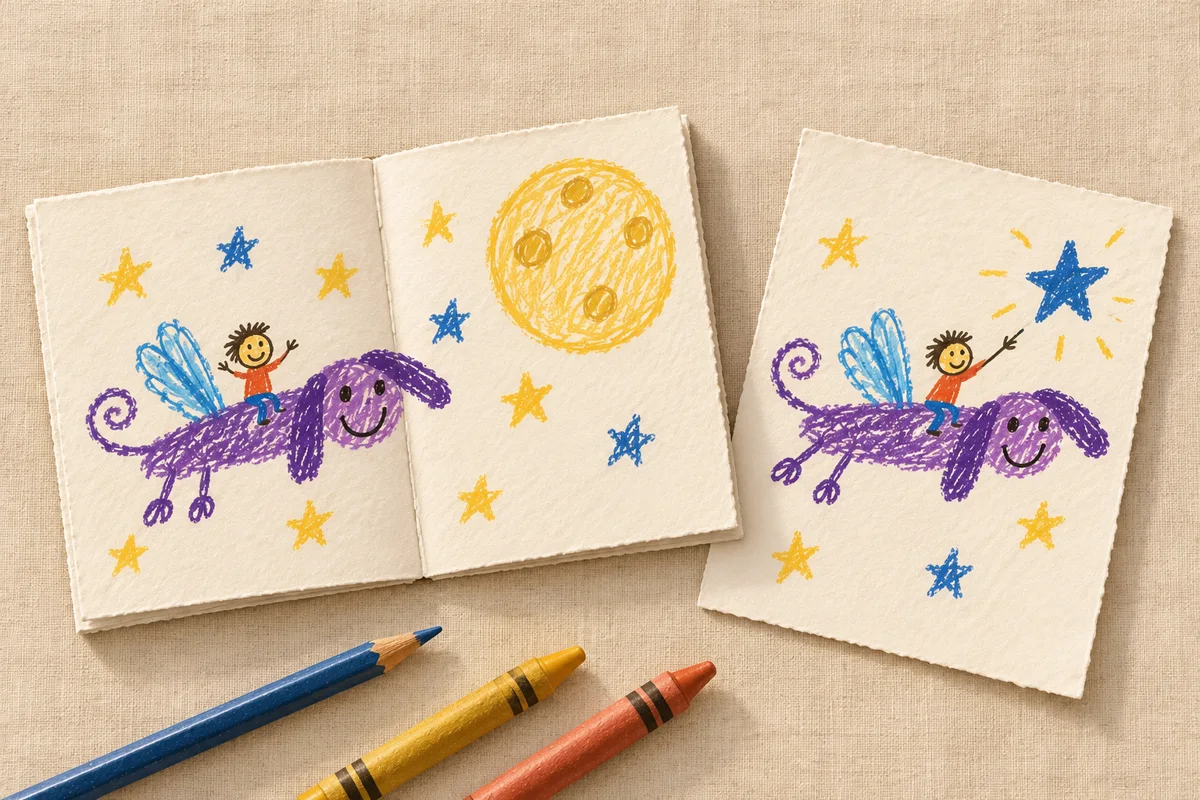
A story can get another page, a card can have an inside, and a project can grow. Keep the new parts together with the creation you already saved.
Open the creation
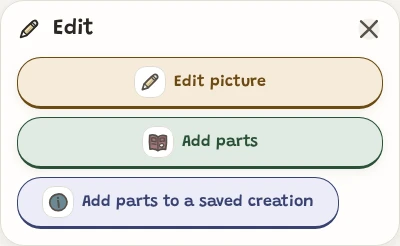
Open the creation in Gallery, then open Edit and choose Add parts.
Capture the next part
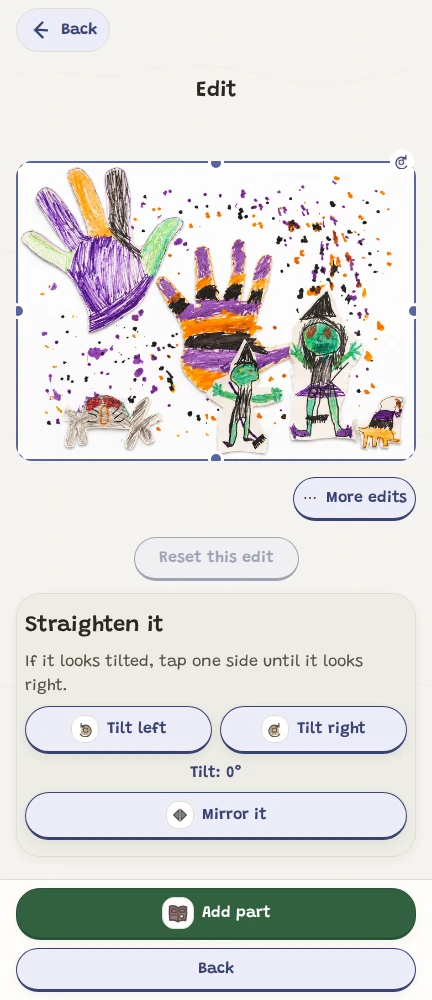
Take a picture or choose one from this device, then review it and choose Add part. For a saved creation, use Choose from family gallery.
Choose a part from the family gallery
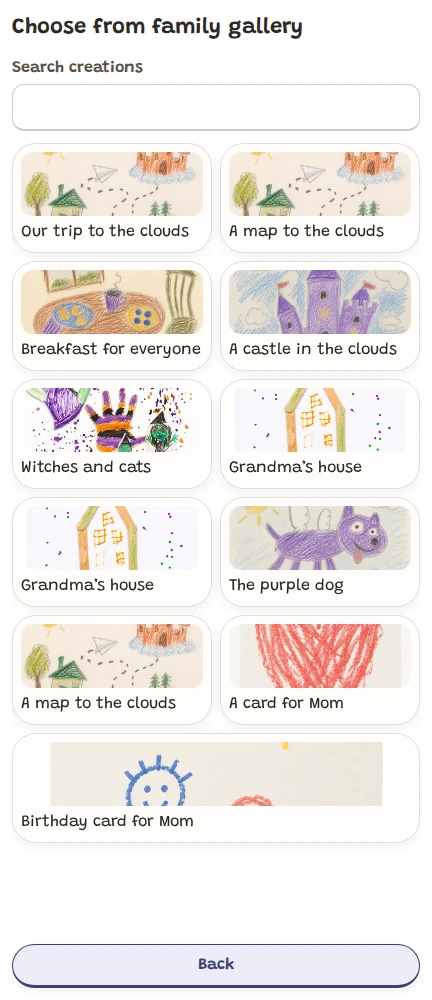
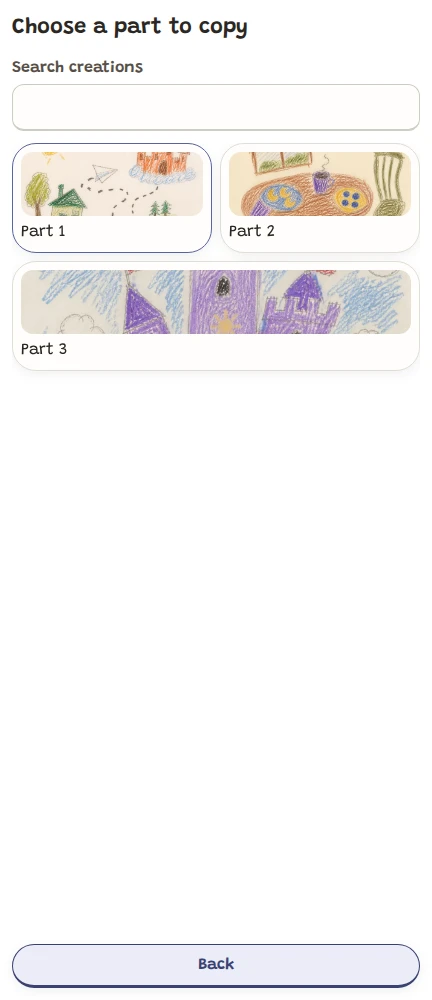
Choose from family gallery shows creations already saved by your family. Select a creation. If it has several parts, choose the part you want. Review it, then choose Add part. A child session asks for the grown-up check before opening this option.
Keep both creations
The copy keeps both the untouched original picture and the version you see now, along with that part's voice notes. Its creators keep their credit on the destination creation. The source creation stays in the gallery with its existing parts, voice notes, albums and sharing choices. For a multi-part source, only the selected part and its voice notes are copied; its whole-creation recording stays with the source.
Review who can see the copied part
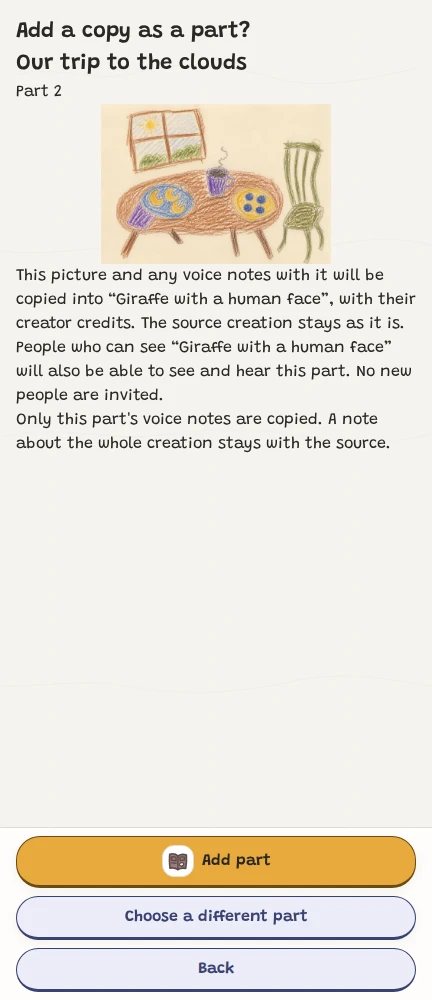
Before adding the gallery part, review the confirmation. People who can already see the destination creation can also see and hear the copied part. The source keeps its own sharing choices. No new people are invited.
Keep the original story together
New parts go at the end. The existing cover, title, creator credits and voice notes stay with the same creation. A creation with one picture becomes a multi-part creation when you add another part.
Check who can see the creation
Leave room for the next page
A creation can hold up to 30 parts, including parts put aside. Use Previous part and Next part to look through the saved parts. To add a recording for a new part, open that part and choose Add a voice note.
Connect before adding to a saved creation
Adding a part to a creation saved to your family account needs a connection. During offline time, keep new work through Create and return to the saved creation when a grown-up reconnects.