
In the app now
Keep every part together
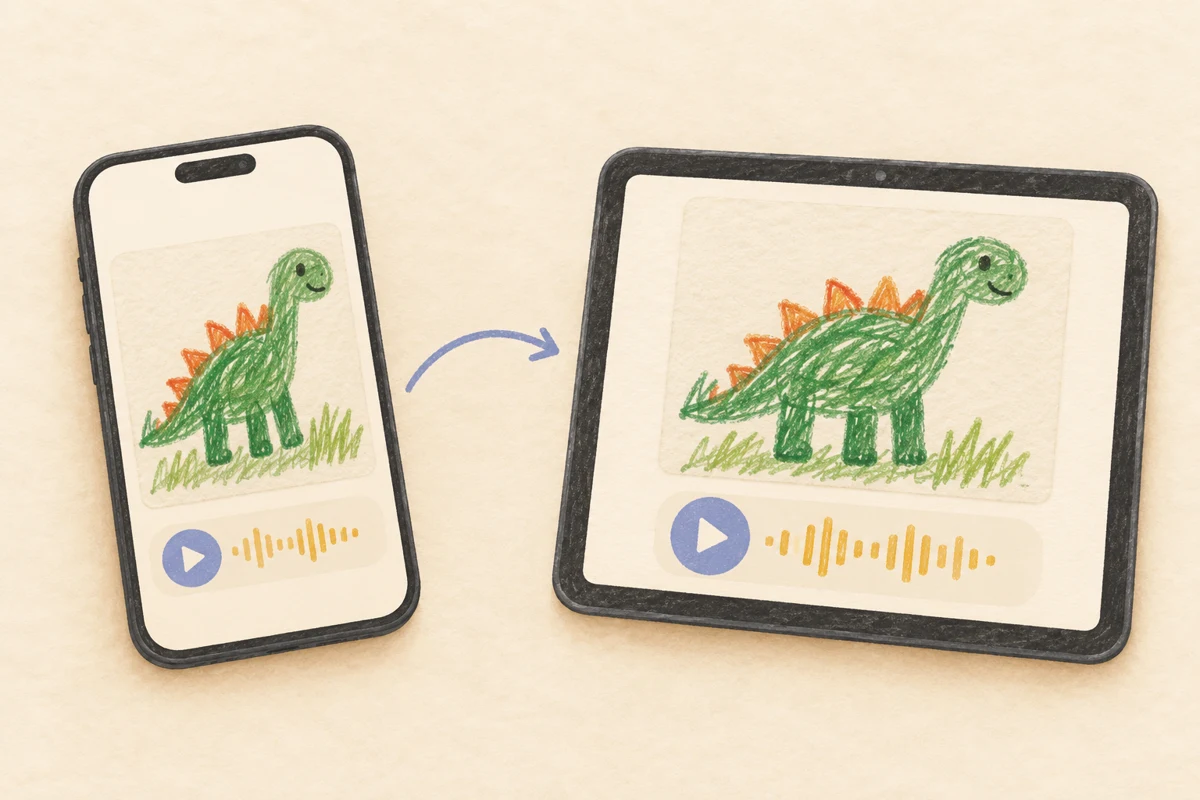
Comics, storybooks, recipes, instructions, and every side of a project stay in order. Add one voice note for the whole creation and, if you like, another for each part.
 The sound of creativity.
A thoughtful holiday gift · coming October 2026
…and free up your fridge door and clean up the floor.
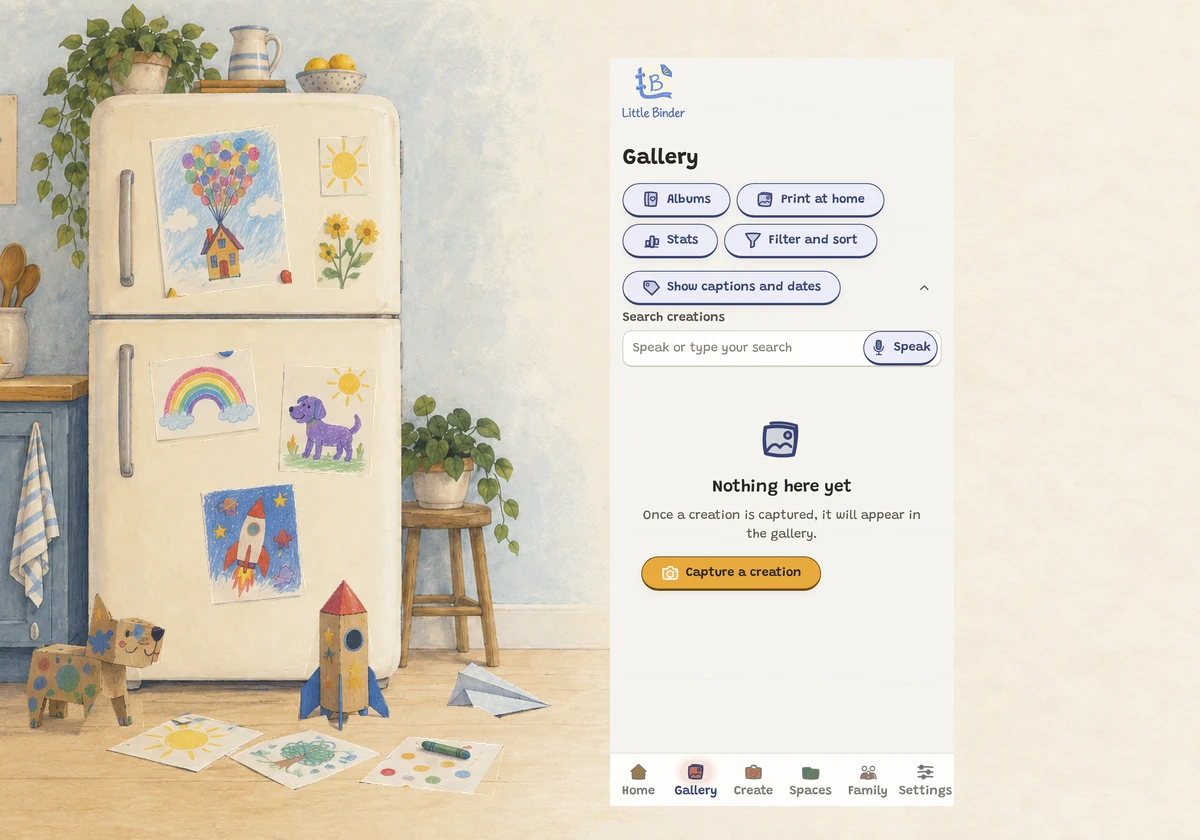
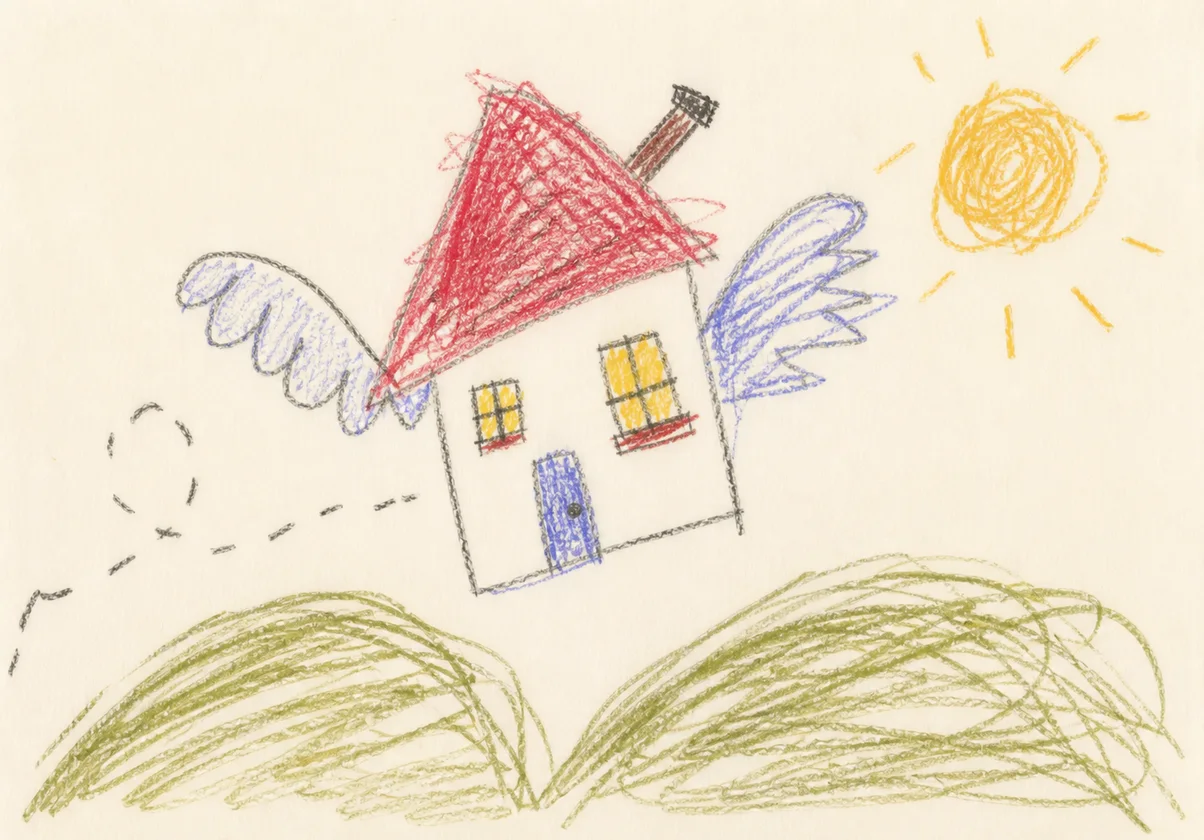
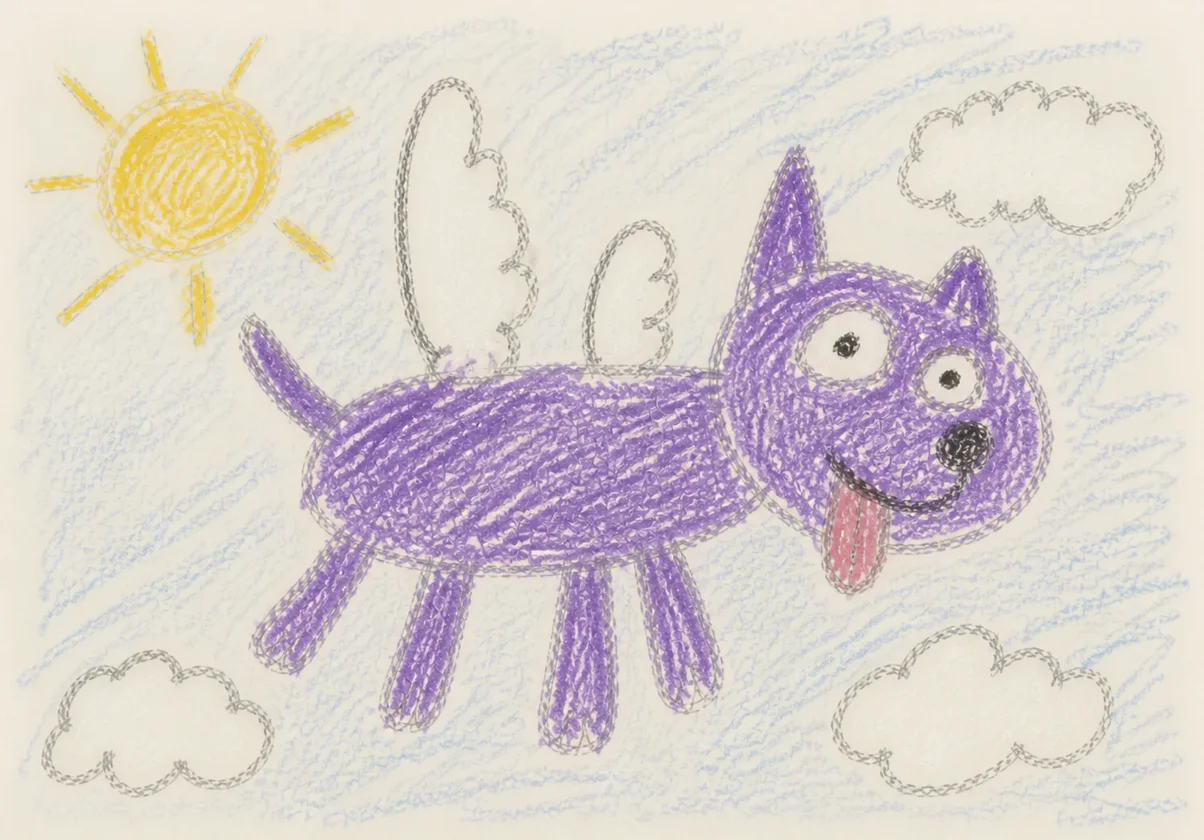
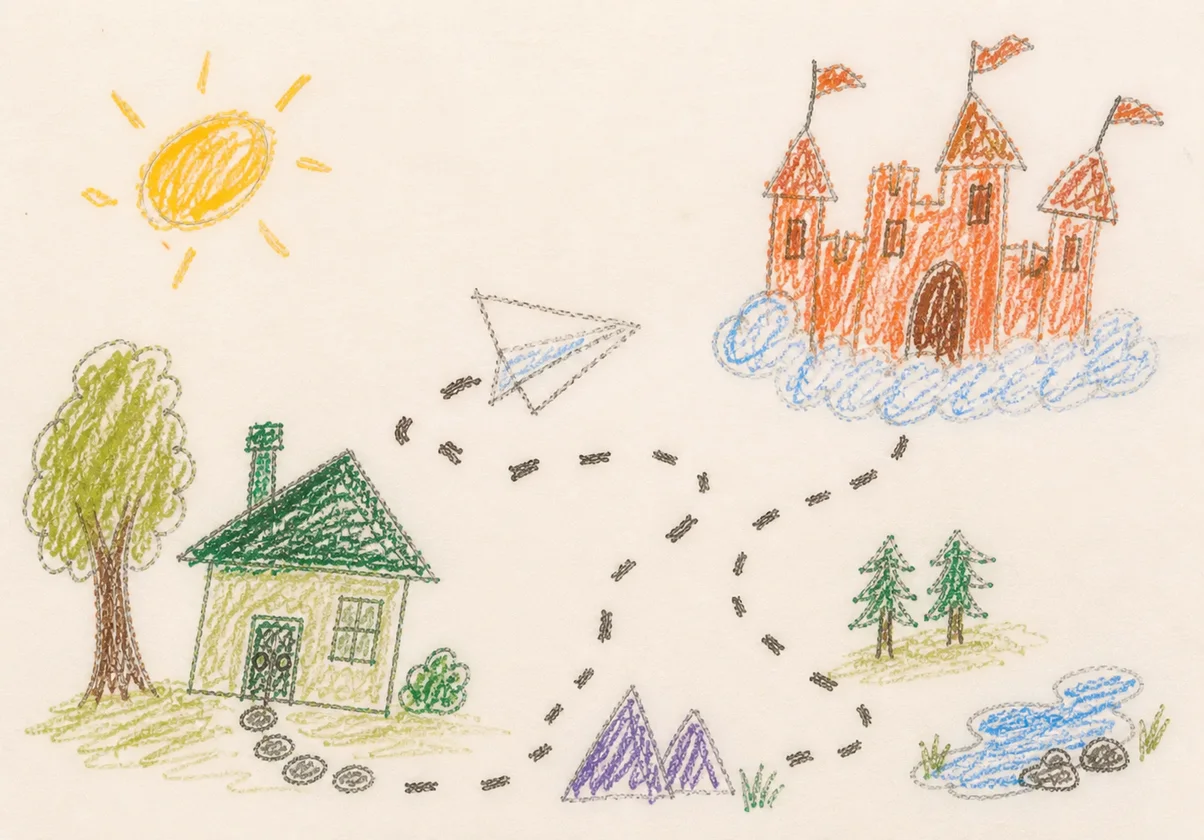
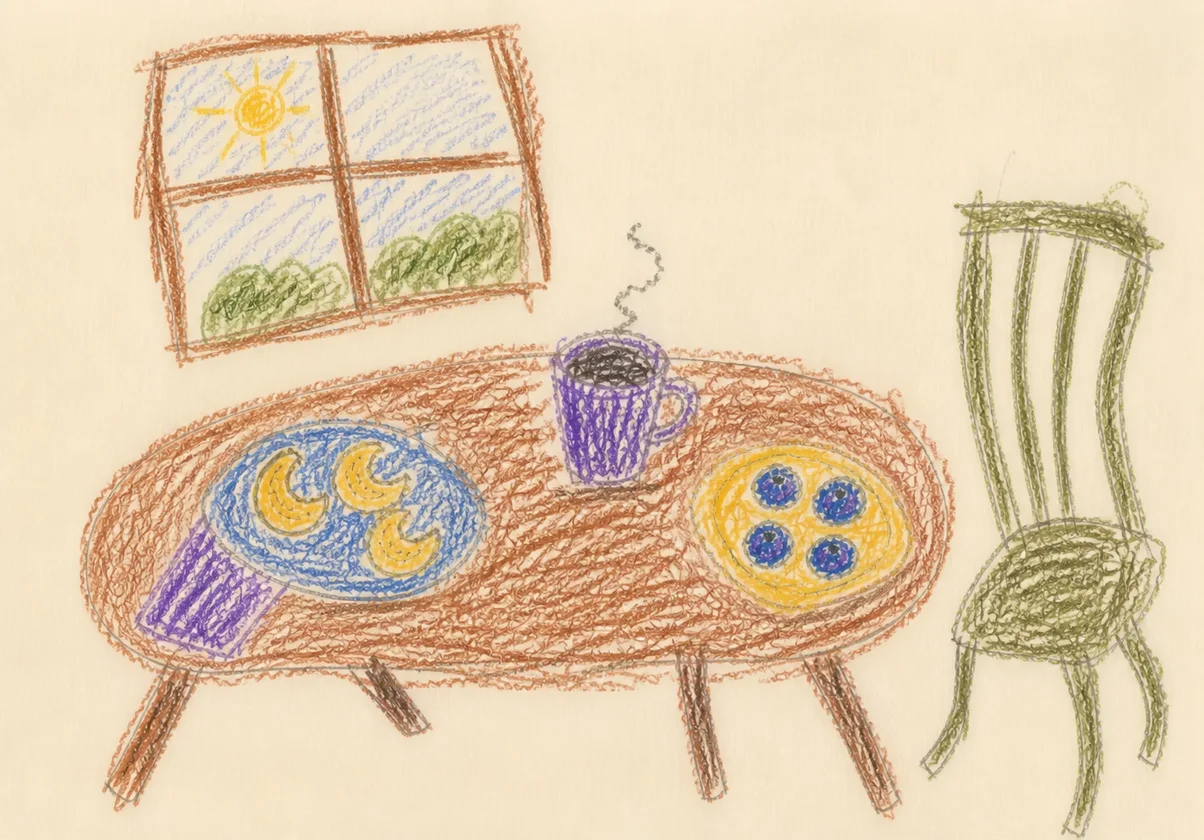
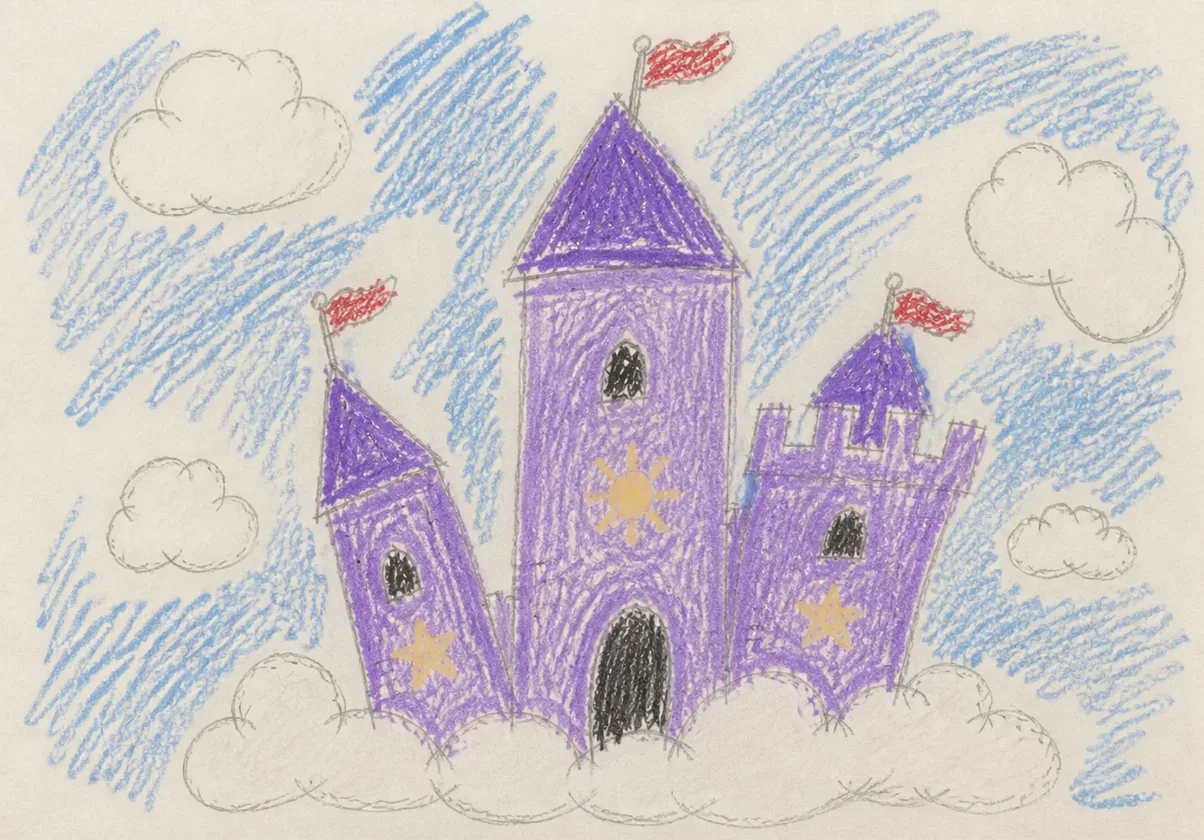
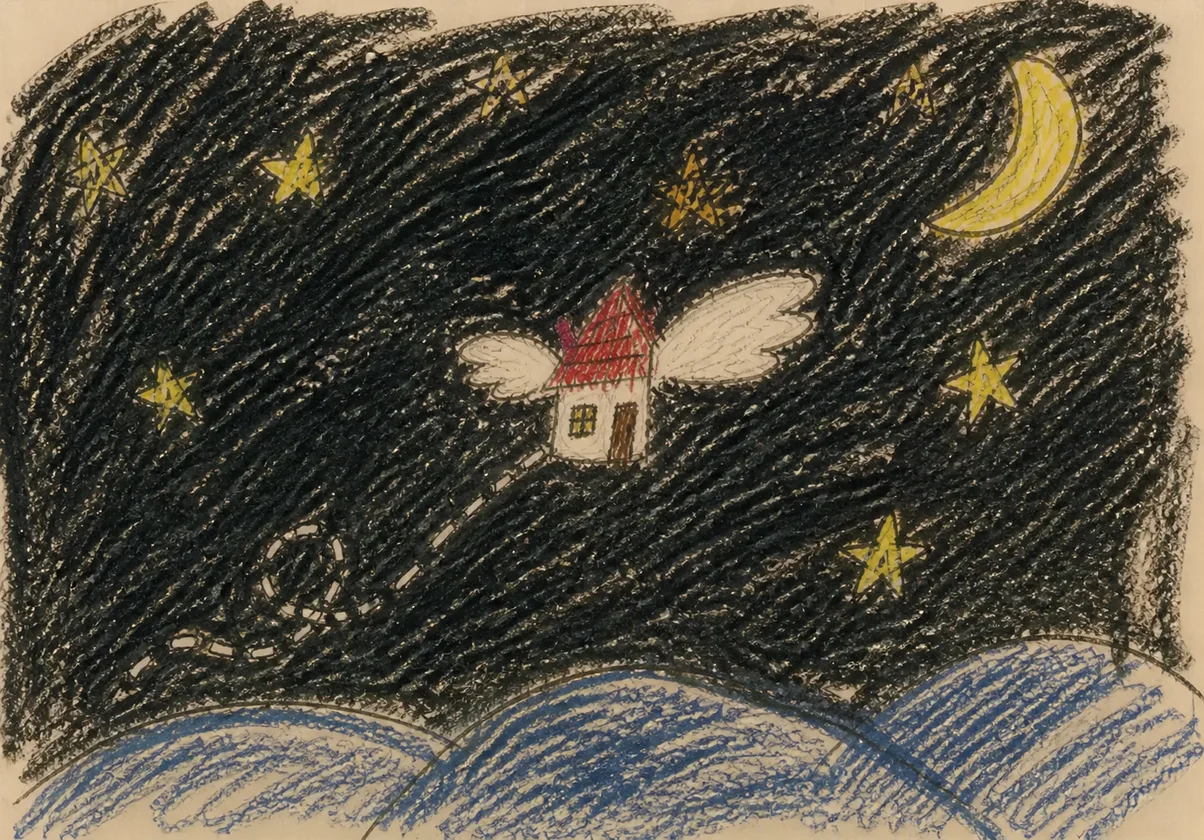
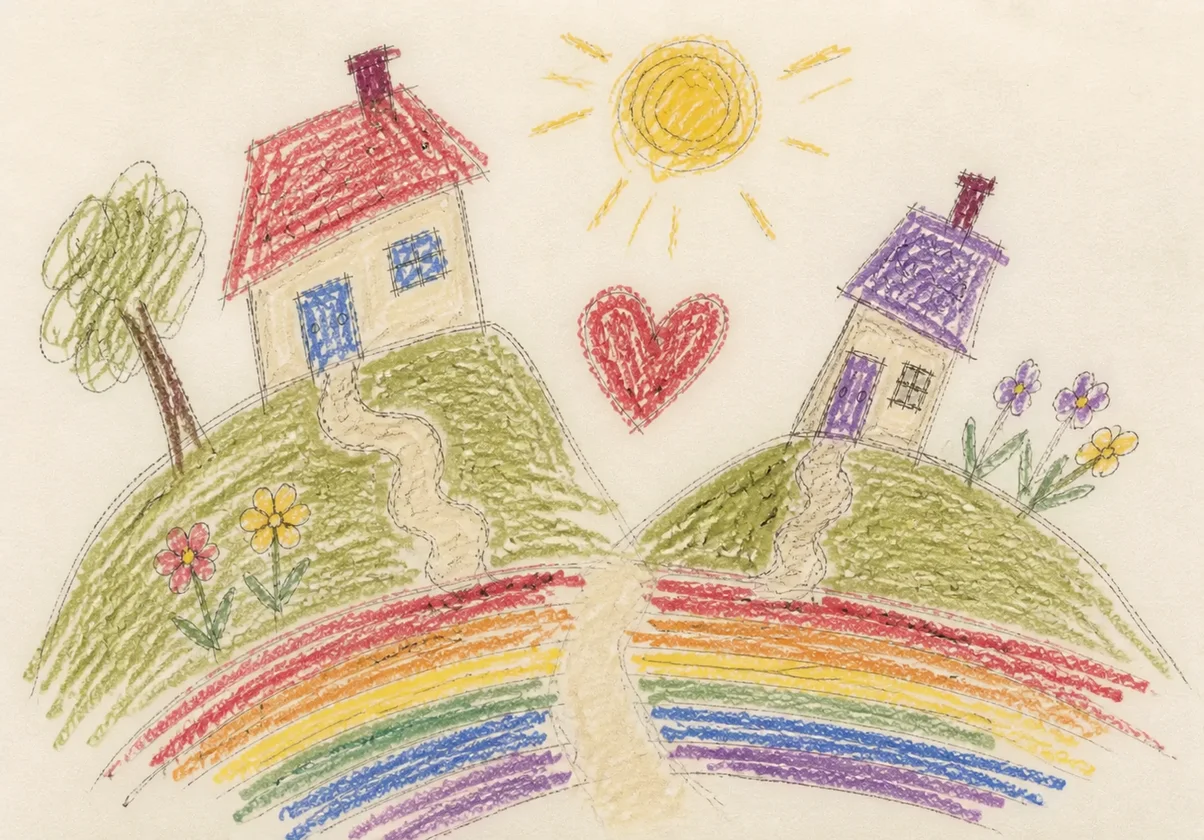


Children get a simple path made for them. Parents keep creations and voices together, then organize them in family spaces and share with people they approve.
Large, simple guidance helps a child save the full creation.
Record a voice note with the creation.
Plus: no more, "Wowww, soo beautiful, what is it?"
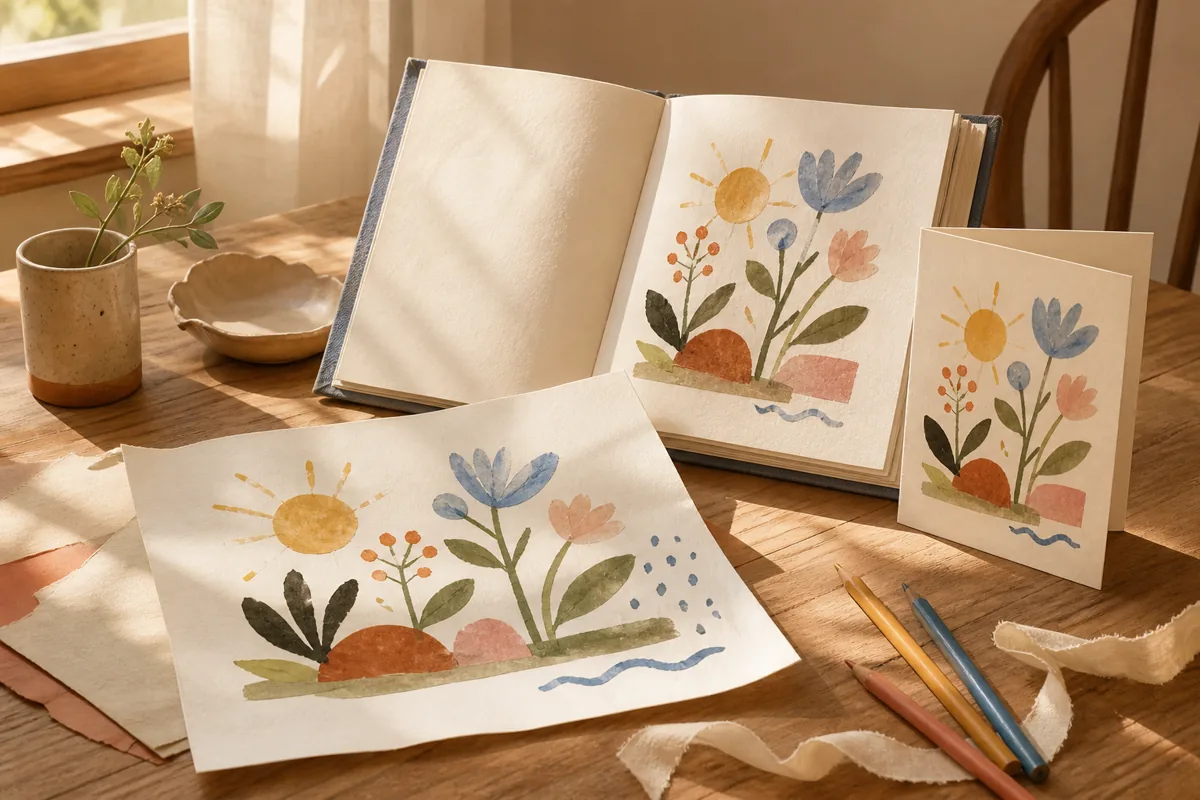
Keep recipes, cards, drawings, and stories together in family spaces. Watch their creations change over the years, play their voice notes again. Print anytime for free. Look back whenever you like.
An adult approves each viewer by invitation. Share creations with those people so they can see and hear the whole thing.
Little Binder is made to work for your family, so it is very customizable. You can turn off most features. Nothing here is required to use the app, and you can always change your settings.
Made for the things children create
In the app now
Comics, storybooks, recipes, instructions, and every side of a project stay in order. Add one voice note for the whole creation and, if you like, another for each part.
In the app now
Cards, recipes, schoolwork, stories, and building projects can each have a family space. A child can name a space during capture and use it right away. A grown-up can rename or remove it later.
The fun of looking back
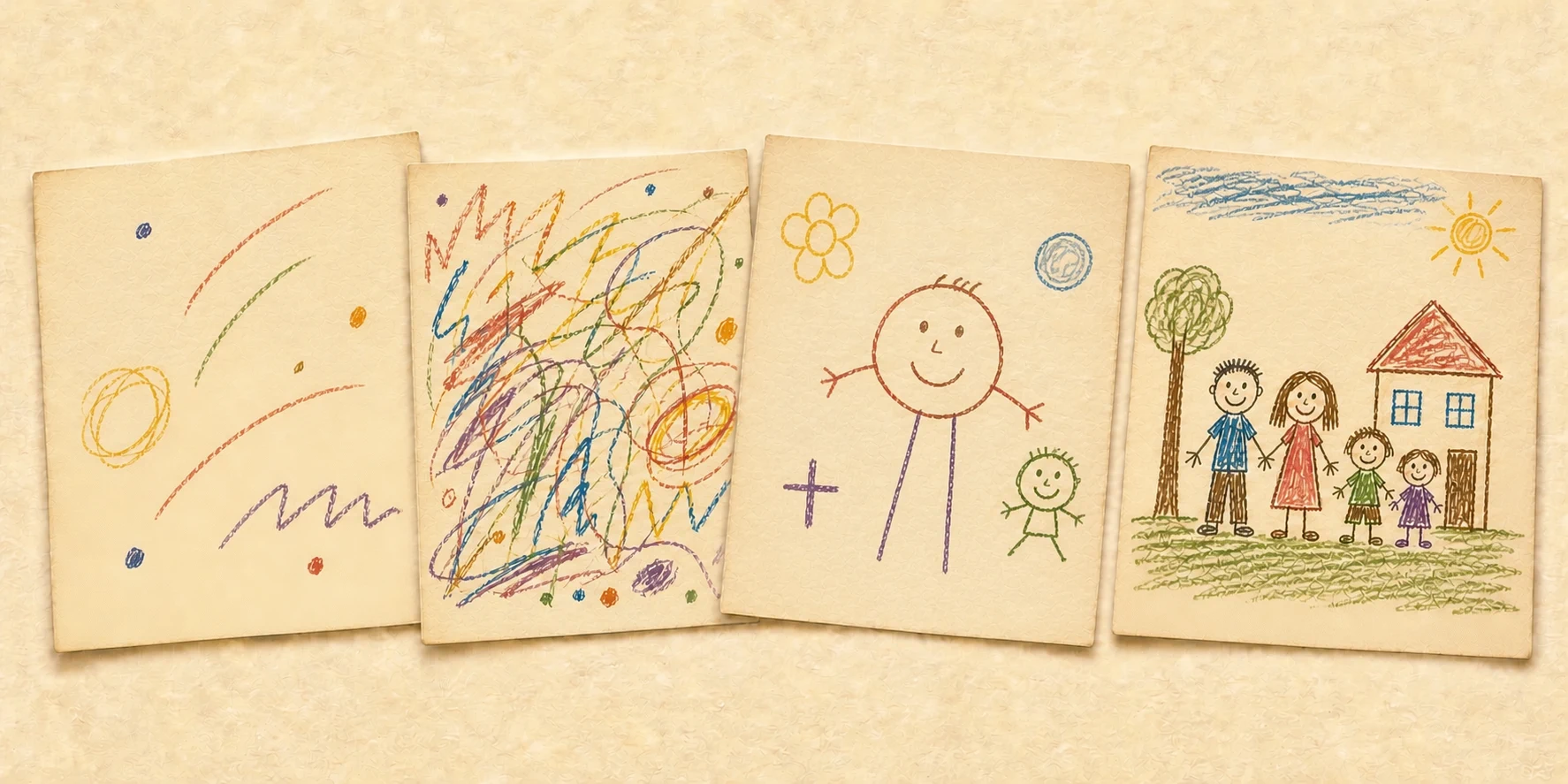
First it's just circles and lines. Then a person appears. Years later they're drawing whole scenes with details and depth. Little Binder saves the timeline of how they grew.
How-to guides
Children make more than single drawings. A recipe has ingredients and steps. A holiday card has a front and an inside. A comic tells a story across pages. Use multi-part capture to keep every part together, add voice notes for the whole creation and for individual parts, and build family spaces that grow over time.
Drawers full of old drawings? Add up to 30 independent creations in one batch, then organize each one in the family archive.
Many at onceAsk what they made, then keep the answer with the creation. Their recording stays just as they said it. If you turn on AI assistance, Little Binder can also make a transcript.
Voice notesCapture the cover, ingredients, each cooking step, and the finished dish. Keep it all in one multi-part creation with voice notes for the tricky parts. Great for cookie recipes, birthday cakes, and family favourites.
Multi-part captureSave the front, inside message, decorations, and the child reading the card out loud. Every birthday card, Christmas card, and Mother's Day card stays together.
Multi-part captureEach panel or page becomes a part in order, with the child narrating the story. The cover stays first, and the comic reads like a picture book in the gallery.
Multi-part captureSave individual drawings and paintings as single creations, using our photographing guide for light and framing, then group them in a space like "Masterpieces" or "Art Class" to build a growing portfolio over the year.
Spaces & single captureIt mostly comes down to good light and holding still. Four habits that help the creation in the gallery look like the one on the fridge.
Photo tipsFor a block tower, a Lego castle, or a cardboard fort, capture the plan, the building process, and the finished creation before it comes apart. Add a voice note describing what it is.
Multi-part captureProduct preview
This live preview plays through the capture, voice, and family-listening flow. The interface may change before launch.
No sound and no children's faces. Sample creation and words only.
Built to last
Little Binder voice notes are durable. Your family archive is backed up on servers we run in the United States, so the recording outlives the device it was made on and will survive a lost phone or broken screen. It stays private: no public profiles, no public links, and only the people your family approves can open it. A cost-efficient “Archive” tier is coming soon so you can save their stuff even after they move out.
Little Binder is a US company, and your family's creations are stored on servers we operate here. If a phone is lost, the archive is not.
Support sees creation content only during a time-limited session a family administrator grants. The family can end it early and see its audit history.
We keep the voice your child actually used. Nothing is generated in its place. Transcripts are optional, and the recording stays with the creation either way.
Subscriptions, so there are no ads.
Your family's archive is backed up regularly to more than one place, so one bad day can't erase it.
AI can suggest titles, write out voice notes, help search understand your words, and choose a frame for one creation when you ask. AI is optional and starts off. Your child’s artwork and voice stay unchanged.
Offline mode
A grown-up chooses no downloads, a number of newest creations, or all creations that fit on the device. Children can keep creating offline. New work sends after a grown-up ends offline mode and a connection is available.
In Settings, open Saving creations and choose Wi-Fi and mobile data or Wi-Fi only. Mobile data is allowed by default. Waiting creations continue when an allowed connection is available and your device gives Little Binder time to run. You can also choose Try sending now while the app is open.
If sending stops, Little Binder keeps the original on this device and resumes from the last piece the server confirmed. Open the app to let waiting creations continue. AI can stay off.
Holiday launch pricing
Every child. One calm family archive for creations and voices. We are starting with one easy-to-understand plan with all of our features included.
Optional printed keepsakes are planned as separate purchases, so the family plan stays simple.
Founding Families holiday offer
Choose monthly or annual billing for your family. Gifts use the annual option.
30-day money back guarantee. If Little Binder isn't right for your family, we'll refund everything you've paid.
Plans renew automatically at the price shown until you cancel, and you can cancel any time. Any sales tax is added at checkout.
Gifts renew yearly until the gift purchaser cancels.
No card today. Joining the list does not start a subscription.
From saved story to something you can hold
Every family can print a saved creation or a page holding several, at home for free. For a gift-ready finish, we are also preparing optional professional prints, cards, mugs, clothing, and small keepsake books. Those items are purchased separately, a parent approves the creation, and checkout will explain before an image and shipping address go to the print partner.
A grandparent or another gift-giver can fund an annual Family subscription. Print or forward the gift, or have Little Binder email the recipient. Paying doesn’t grant access to the family’s account or creations. The family chooses whether to invite you.
October 2026
We’ll only use your email for Little Binder launch and gift updates. You can unsubscribe or ask us to remove it at any time.