
Your everyday phone can stay with you
You do not need to hand over your own phone for your child to use Little Binder. A spare phone or tablet can become the family’s art binder. A parent signs in, and children use that device to capture their creations. Children do not need separate accounts.
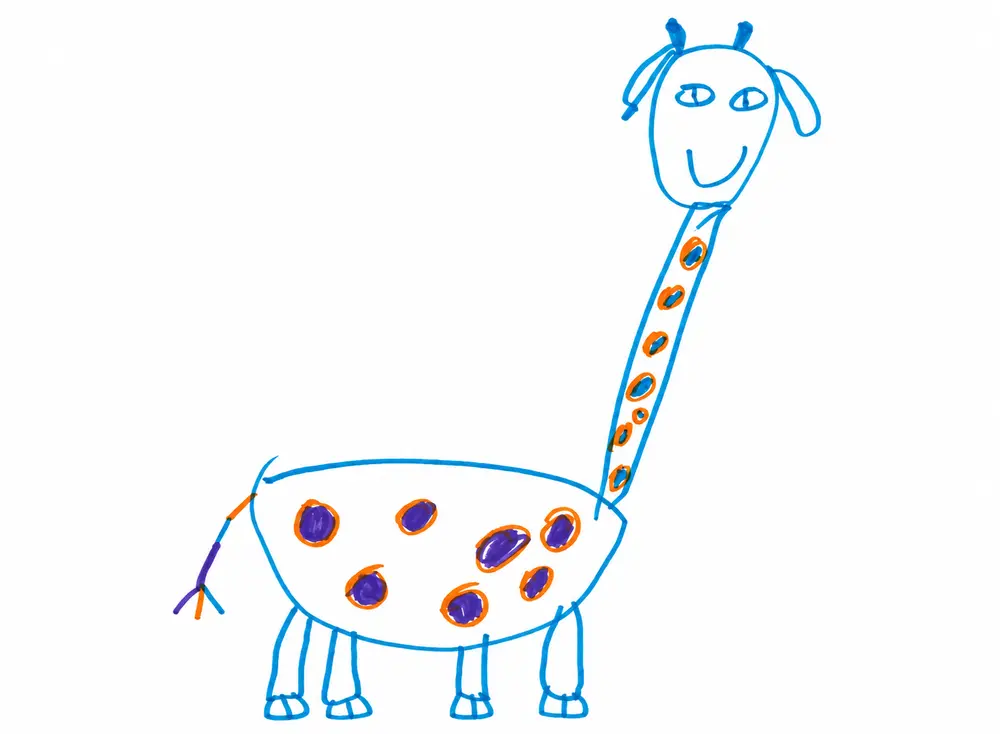
The drawing happens on paper. The phone keeps a copy, with an optional recording of the child explaining it. That purple shape might be a flying dog. Save the explanation while they feel like telling you.
1. Check the spare phone
Choose a phone that works reliably and can run an up-to-date browser. Charge it, install available system updates and connect it to your home Wi-Fi. Open Little Binder in the browser and check the camera and microphone before handing it over. A separate mobile plan is not needed when you use Wi-Fi.
An older device is useful only if it still works for the job. Try capturing and opening one creation together before making it your family’s regular art station.
2. Make it a family device
Back up anything you want to keep before removing personal information from the spare phone. Sign out of personal email, messaging and shopping apps. Review the device’s parental controls and decide which other apps your child can open.
Little Binder’s grown-up unlock controls access inside Little Binder. It does not lock the whole phone. See the grown-up unlock guide for the difference between app controls and device controls.
3. Sign in or set up your family
Open Little Binder on the spare phone. If you already have an account, sign in to the same family. Otherwise, sign up. A parent handles setup and sharing choices.
Keep the phone near the place your child likes to make things. A simple stand can help hold it steady when you capture a drawing.
4. Save a creation together
Choose Capture a creation and choose who made it. Keep the whole drawing in view, then check the saved picture. Let your child give it a name. If they want to explain it, add a voice note. You can also add the recording later.
5. Open the art binder on your own phone
Once the creation has synced, sign in on your own device to see it. You can browse together or share selected creations with people your family approves. The spare phone is a way into the same family gallery.
Keep the original drawing if you both want it. Little Binder gives you a way to find and enjoy a digital copy, even when the paper lives in a box.
A new use for an old phone
Repurposing a phone as a children’s artwork organizer gives it a specific job. A cardboard castle, a painting from school or the first page of a comic can all go in the same digital art binder. Open it together when your child wants to show you something they made.
Explore Little Binder as a children’s art app or follow our guide to capturing creations.
Give their artwork a home
Already have a Little Binder account? Sign in on this device with the same account. New to Little Binder? Sign up to set up your family.
Already have an account? Sign in Sign up free
Start with 10 free creations
Every family gets its first 10 creations without paying or entering a card. Use all the features and invite two people so you can get used to Little Binder before choosing a paid plan.
When you reach 10 creations, your saved work stays viewable, shareable and downloadable. Choose a Family plan to save new creations. Deleting a creation does not reset the free allowance.
Both paid plans include unlimited creations for normal family use, with voice notes and private family sharing.
- Monthly: $7.49 per month, billed monthly.
- Annual: $71.88 billed once a year, equivalent to $5.99 per month.
Subscriptions renew until canceled. Unlimited creations means normal family use, for children’s creations and short voice notes.